
Tray Menu Integration
Runs smoothly right in your system tray loop for quick workspace context management without bloating the taskbar.

An AI-powered OCR desktop utility for Windows 10/11 — extract text from anywhere on your screen and send it straight to your clipboard.
Powered by

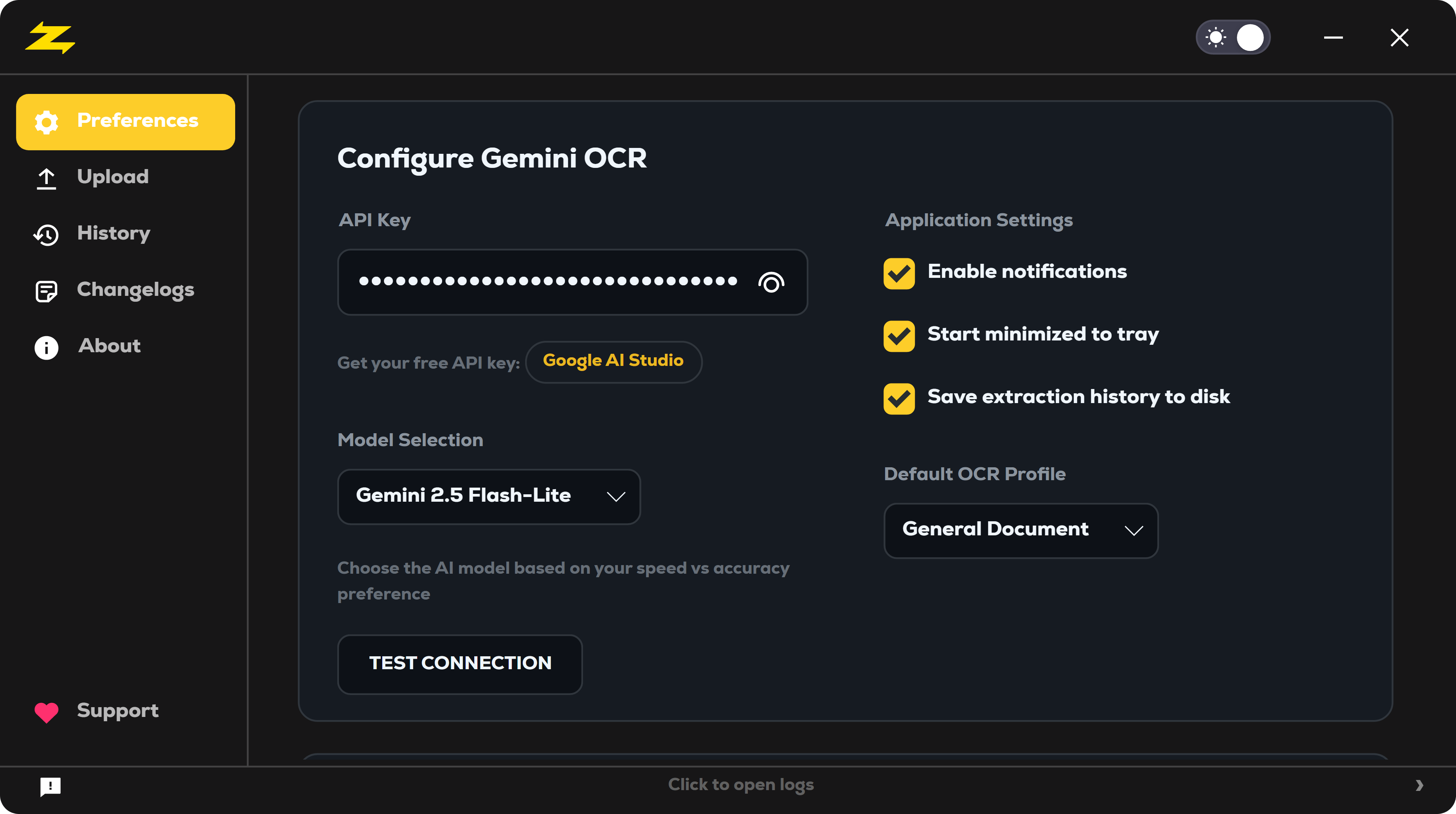
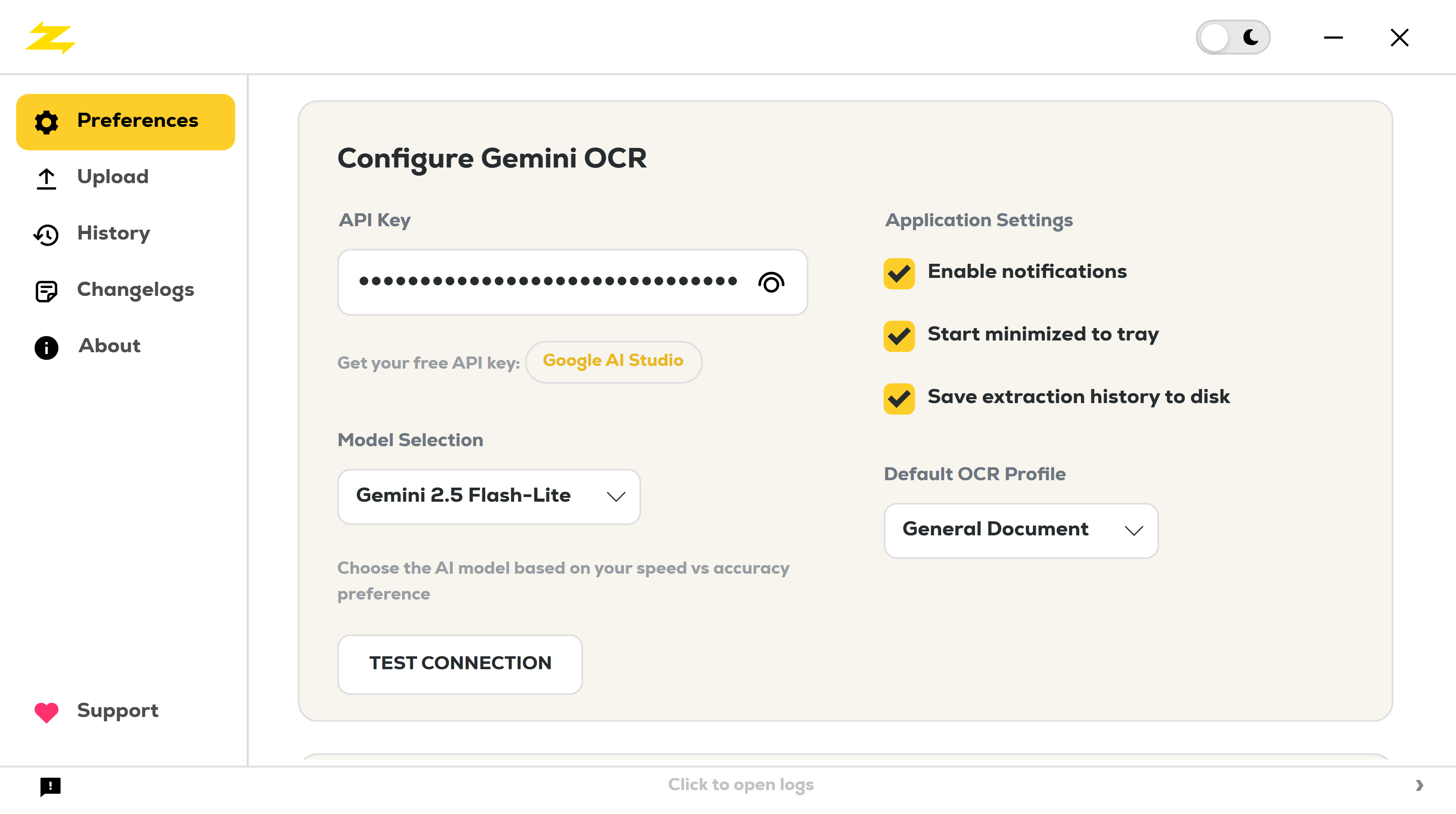
Customize the app to fit your workflow. Manage your Gemini API key and model selection, notification preferences, and startup behavior — all in one place.
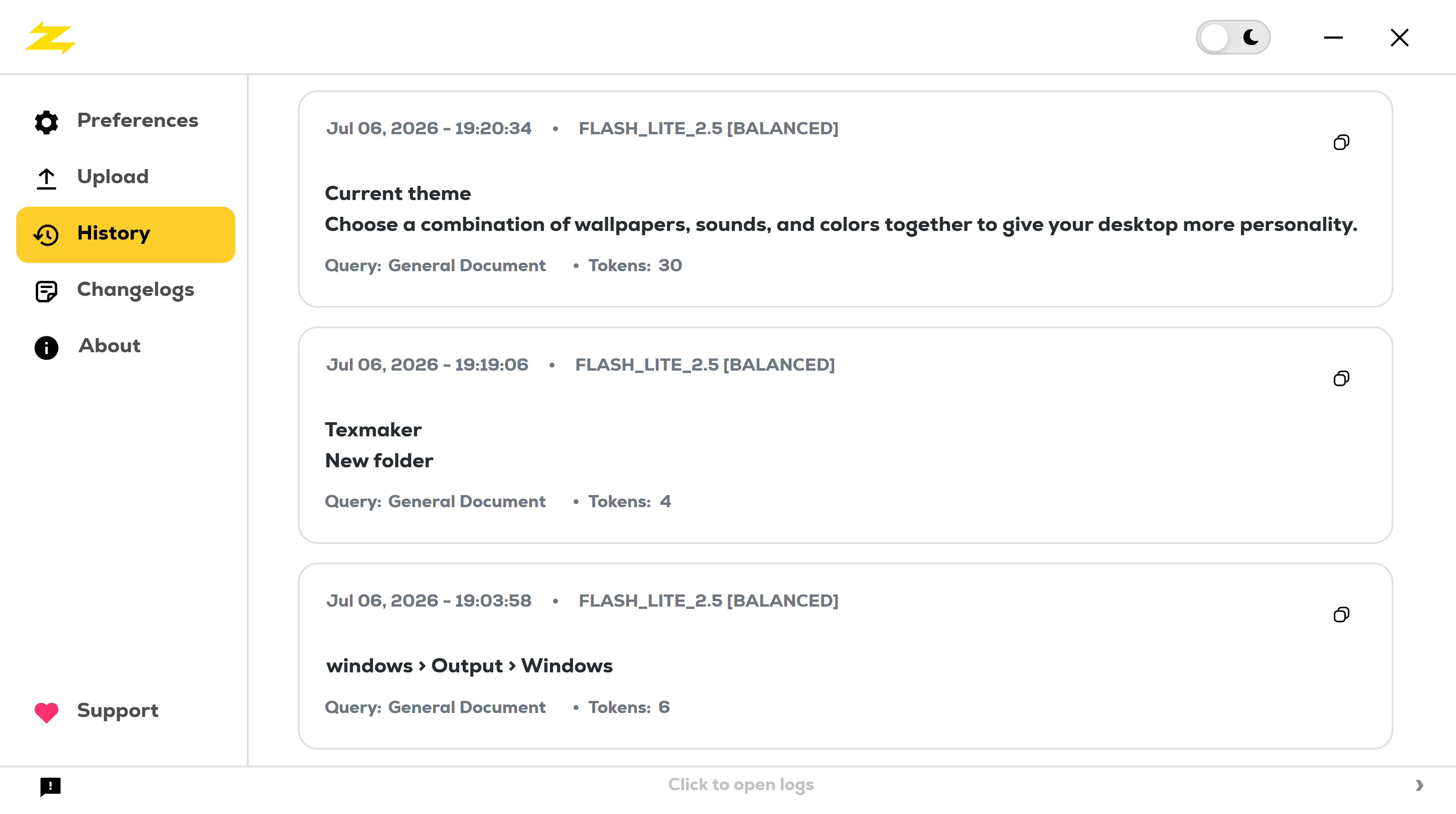
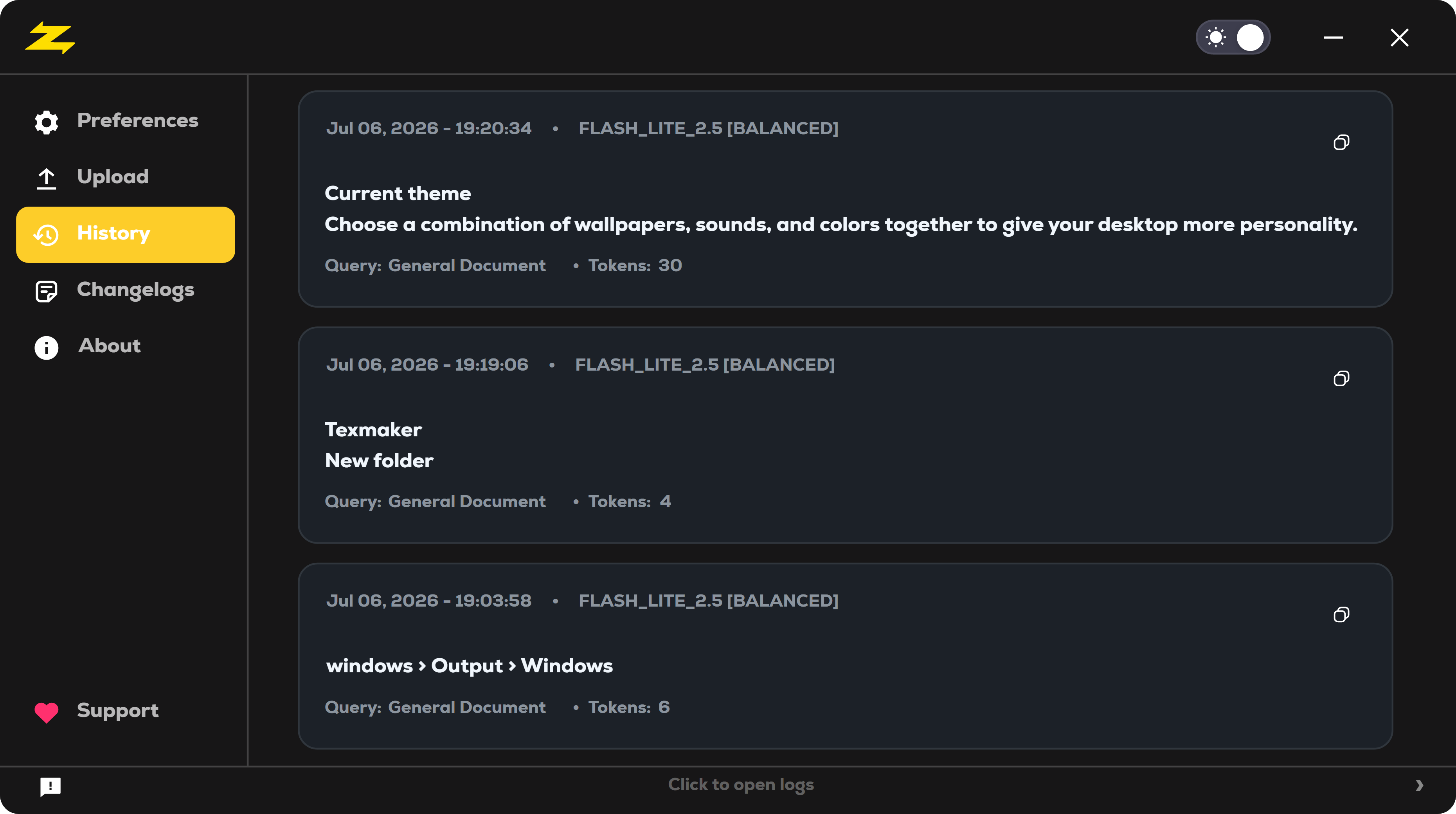
Every extraction, saved automatically. Keep track of all your previous OCR results in one place, so you can revisit and reuse text you've captured before.
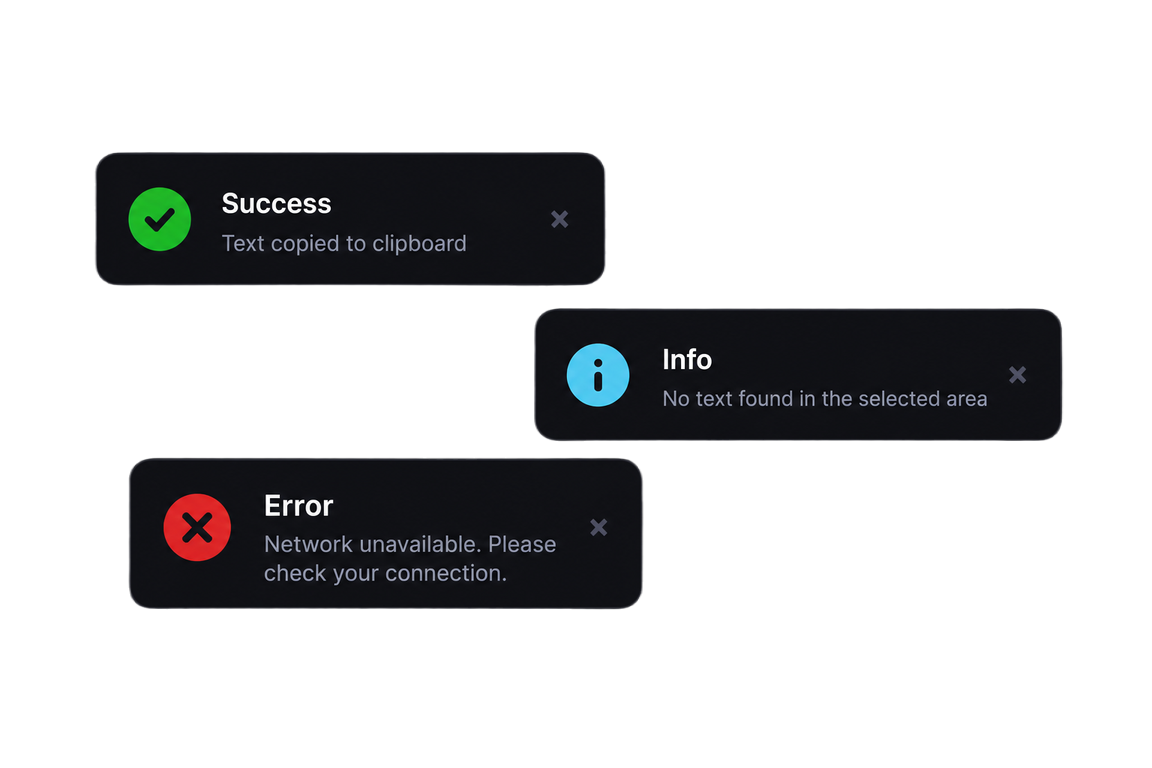
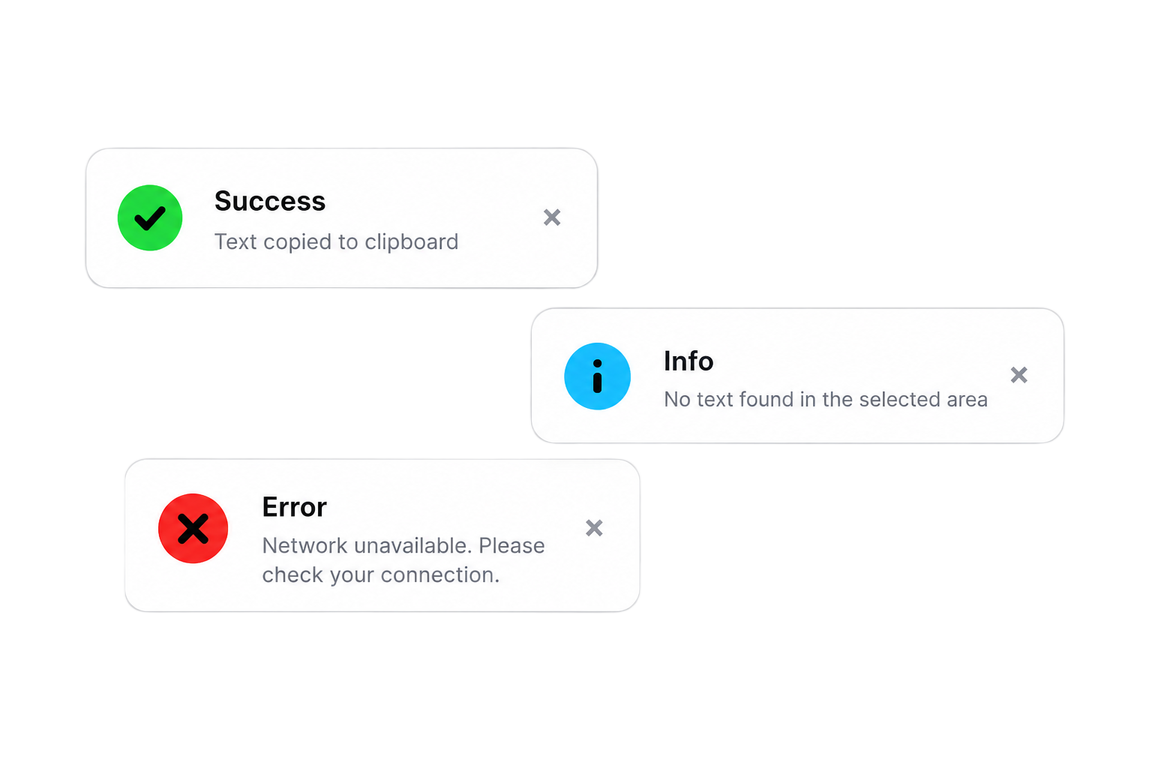
Stay in the loop as it happens. Get real-time toast notifications whenever text is processed and sent straight to your clipboard, ready to paste.
Every utility you need into a lightweight framework.
Runs smoothly right in your system tray loop for quick workspace context management without bloating the taskbar.
Global hotkey interception triggers instant capture, dropping parsed elements instantly into active focus.
Gemini-powered extraction built to parse indentation rules, technical equations, and tabular datasets flawlessly.
Silent validation routines pull delta builds seamlessly behind the scenes to keep features current.
Loading checksum...
Prefer building it yourself? Clone the repository and run ZapText directly from source.
A small donation helps keep this app running and updated for you and everyone.
Buy me a coffee ☕